Wox is a cross-platform launcher that simply works. It's an open-source alternative to Alfred and Raycast
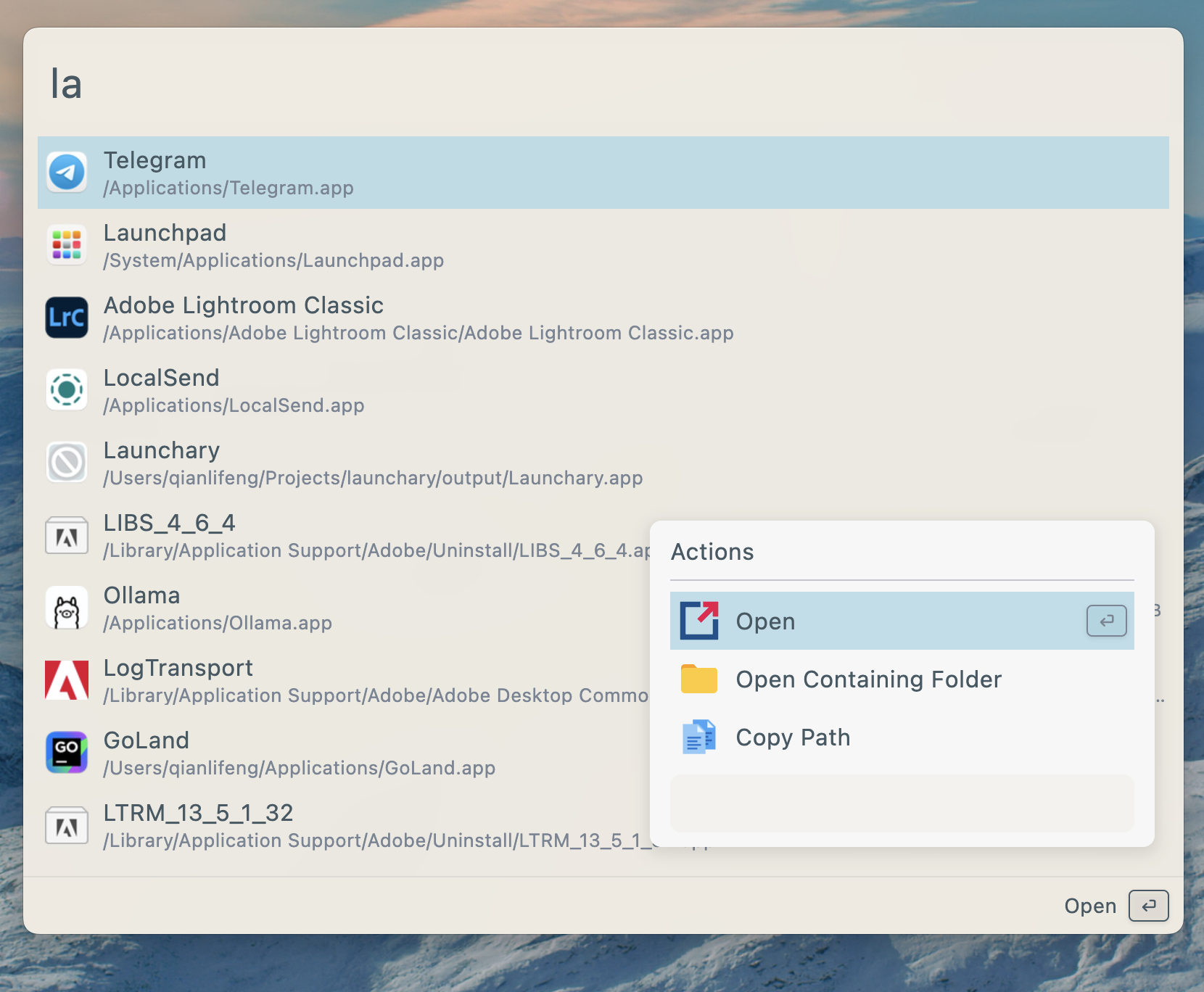
- Search for applications, folders, files and more
- AI Chat with MCP support
- Plugins and Themes
- Single executable file, no installation required
- Develop plugins with Javascript, Python
| Platform | Method | Command/Instructions |
|---|---|---|
| All Platforms | Manual | Download from releases and run the single executable file |
| macOS | Homebrew | brew tap wox-launcher/wox && brew install wox |
| Arch Linux | AUR | yay -S wox-bin or use your preferred AUR helper |
| Dependency | Link | Description | Install |
|---|---|---|---|
| keybinder | https://github.com/kupferlauncher/keybinder | For recording the double modifier key hotkey | apt install keybinder-3.0 |
Due to the large number of Linux distributions, we only test Wox on Ubuntu. We cannot guarantee that it will work properly on other Linux platforms.
| Action | Shortcut |
|---|---|
| Toggle App | Alt/Command + Space |
| Show Actions | Alt/Command + J |
| Cancel/Return | Esc |
- First and most importantly, star it!
- Send PR
- Join discussions