Title: Surface Go 2 - Touchscreen works in installer but not after installation
Board/Device: Surface Go 2 (8GB RAM, m3-8100Y) openFyde Version: r120-15.1 stable Build Date: Pre-built image from GitHub releases
- Running pre-built image on supported device
- Hardware compatibility
Installation Media: Samsung USB-C Flash Drive 64GB Display: Internal 10.5" touchscreen (1920x1280) Power Supply: Official Microsoft 24W charger Connected Peripherals: Surface Type Cover (works fine)
Setup Photo:
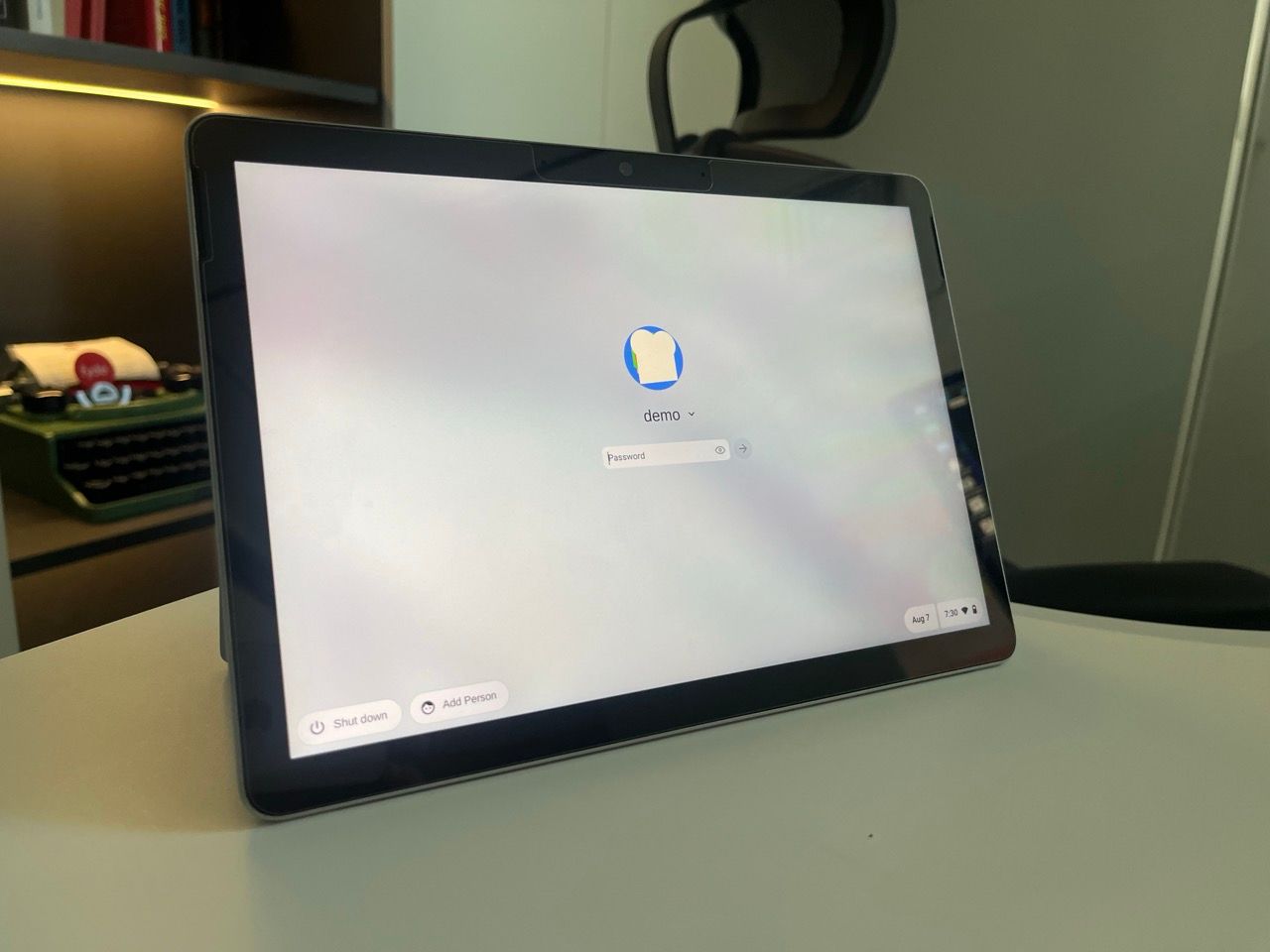
Touchscreen should work after installation, as it works perfectly during the installer/live session.
After installing to internal storage and rebooting, touchscreen is completely unresponsive. It's detected in device manager but no touch events register.
- Boot openFyde from USB (touchscreen works here)
- Complete installation to internal storage
- Remove USB and reboot
- After first boot, touchscreen no longer responds
- Verified touchscreen still works by booting USB installer again
From dmesg after installation:
[    3.451223] input: ELAN9038:00 04F3:261A as /devices/pci0000:00/0000:00:15.0/i2c_designware.0/i2c-0/i2c-ELAN9038:00/0018:04F3:261A.0001/input/input8
[    3.451367] hid-multitouch 0018:04F3:261A.0001: input,hidraw0: I2C HID v1.00 Device [ELAN9038:00 04F3:261A] on i2c-ELAN9038:00
[    3.455892] i2c_hid i2c-ELAN9038:00: failed to set power state: -121

Output of xinput list:
⎡ Virtual core pointer                          id=2    [master pointer  (3)]
⎜   ↳ Virtual core XTEST pointer                id=4    [slave  pointer  (2)]
⎜   ↳ Surface Type Cover Mouse                  id=7    [slave  pointer  (2)]
⎣ Virtual core keyboard                         id=3    [master keyboard (2)]
    ↳ Surface Type Cover Keyboard               id=6    [slave  keyboard (3)]

Note: ELAN touchscreen not listed in xinput
- Reinstalled 3 times with same result
- Tried both UEFI and Legacy boot modes
- Disabled secure boot
- Updated to latest firmware from Microsoft
- Tried adding
i8042.resetto kernel parameters - Checked for firmware files in /lib/firmware/
- Surface Linux kernel project has similar issue: linux-surface/linux-surface#123
The power state error suggests the touchscreen might need a specific initialisation sequence after installation. The driver loads but fails to properly power on the device.