FATAL: password authentication failed for user \"nextcloud_db_user\" #2446

Description

Steps To Reproduce
- Deploy clean Ubuntu 22.04 VM
- Go to https://github.com/nextcloud/vm
- Click on "Code", download as .zip (vm-master.zip)
- In VM, extract vm-master.zip to ~/vm-master
- In VM, cd ~/vm-master
- Run... chmod +x nextcloud_install_production.sh
- Execute... sudo bash nextcloud_install_production.sh
- Accept default prompts, e.g. create new user ncadmin, use 2nd disk for "data"
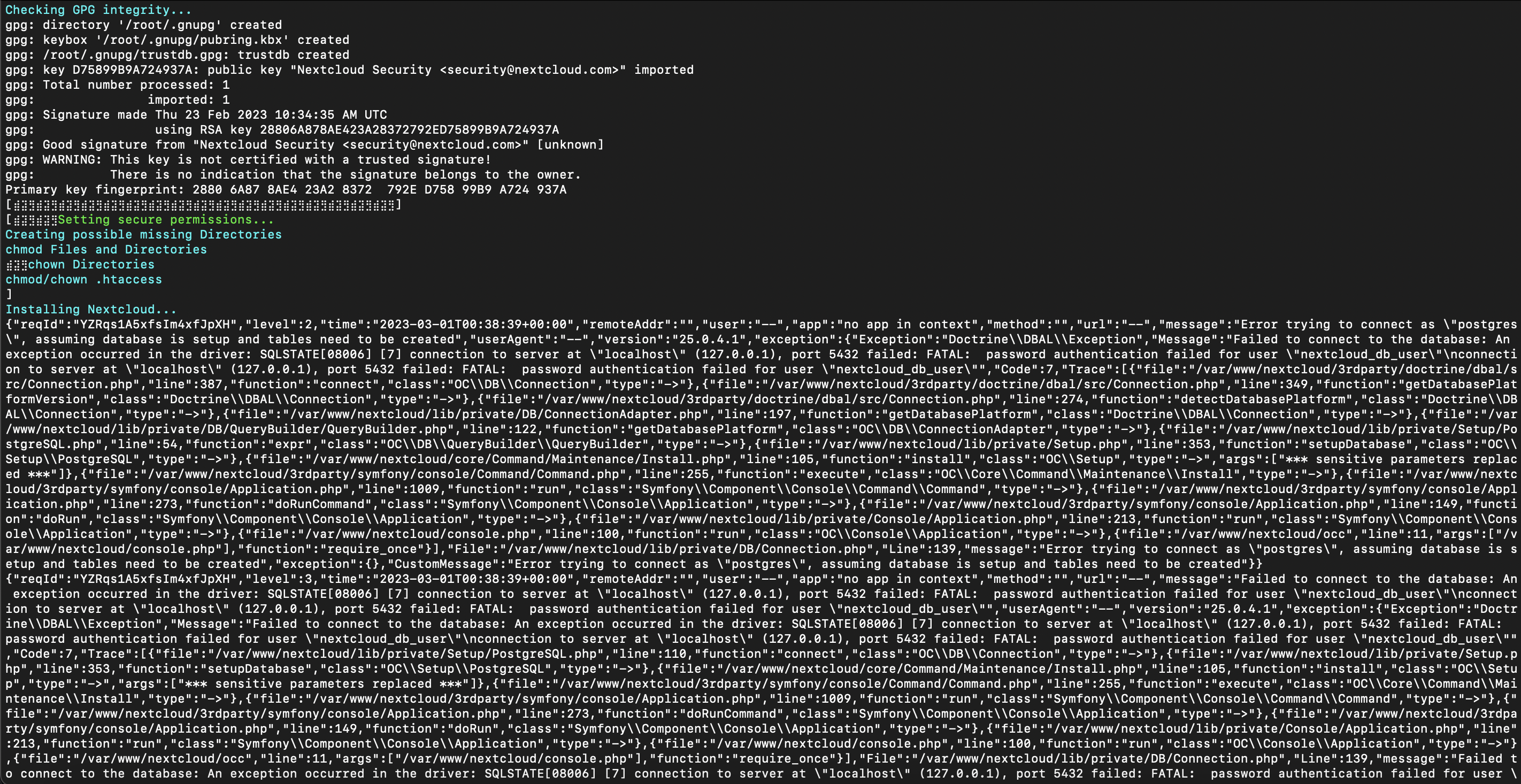
- Error occurs just after the following installation step...
Creating possible missing Directories
chmod Files and Directories
⣾⣽⣻chown Directories
chmod/chown .htaccess
]
Installing Nextcloud...
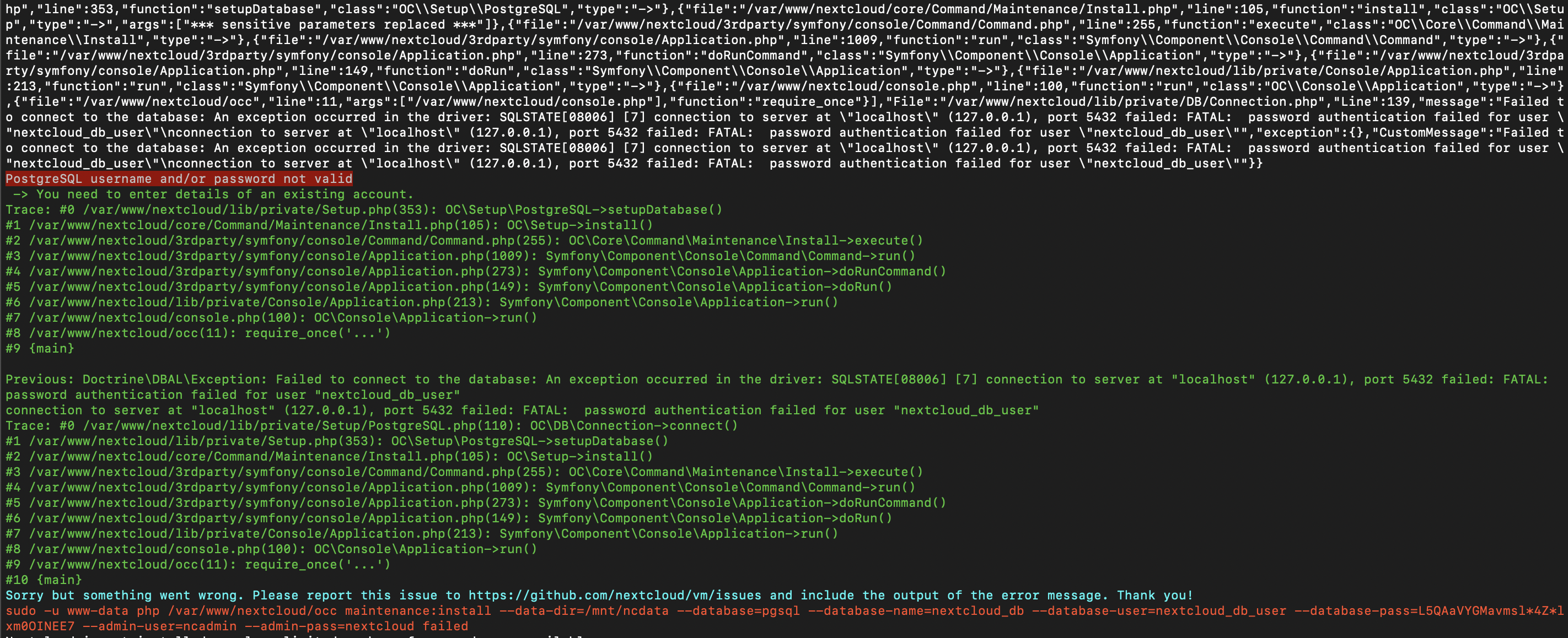
- Two screenshots of errors attached here - key errors state....
Sorry but something went wrong. Please report this issue to https://github.com/nextcloud/vm/issues and include the output of the error message. Thank you!
sudo -u www-data php /var/www/nextcloud/occ maintenance:install --data-dir=/mnt/ncdata --database=pgsql --database-name=nextcloud_db --database-user=nextcloud_db_user --database-pass=L5QAaVYGMavmsl4Zlxm0OINEE7 --admin-user=ncadmin --admin-pass=nextcloud failed
""message":"Error trying to connect as "postgres", assuming database is setup and tables need to be created"
and...
"Message":"Failed to connect to the database: An exception occurred in the driver: SQLSTATE[08006] [7] connection to server at "localhost" (127.0.0.1), port 5432 failed: FATAL: password authentication failed for user "nextcloud_db_user"\nconnection to server at "localhost"
PostgreSQL username and/or password not valid
Expected Result
Expectation was the automated vm-master installation script to complete
Actual Result
Error suggests PostgreSQL username and/or password autogenerated by the script are not valid
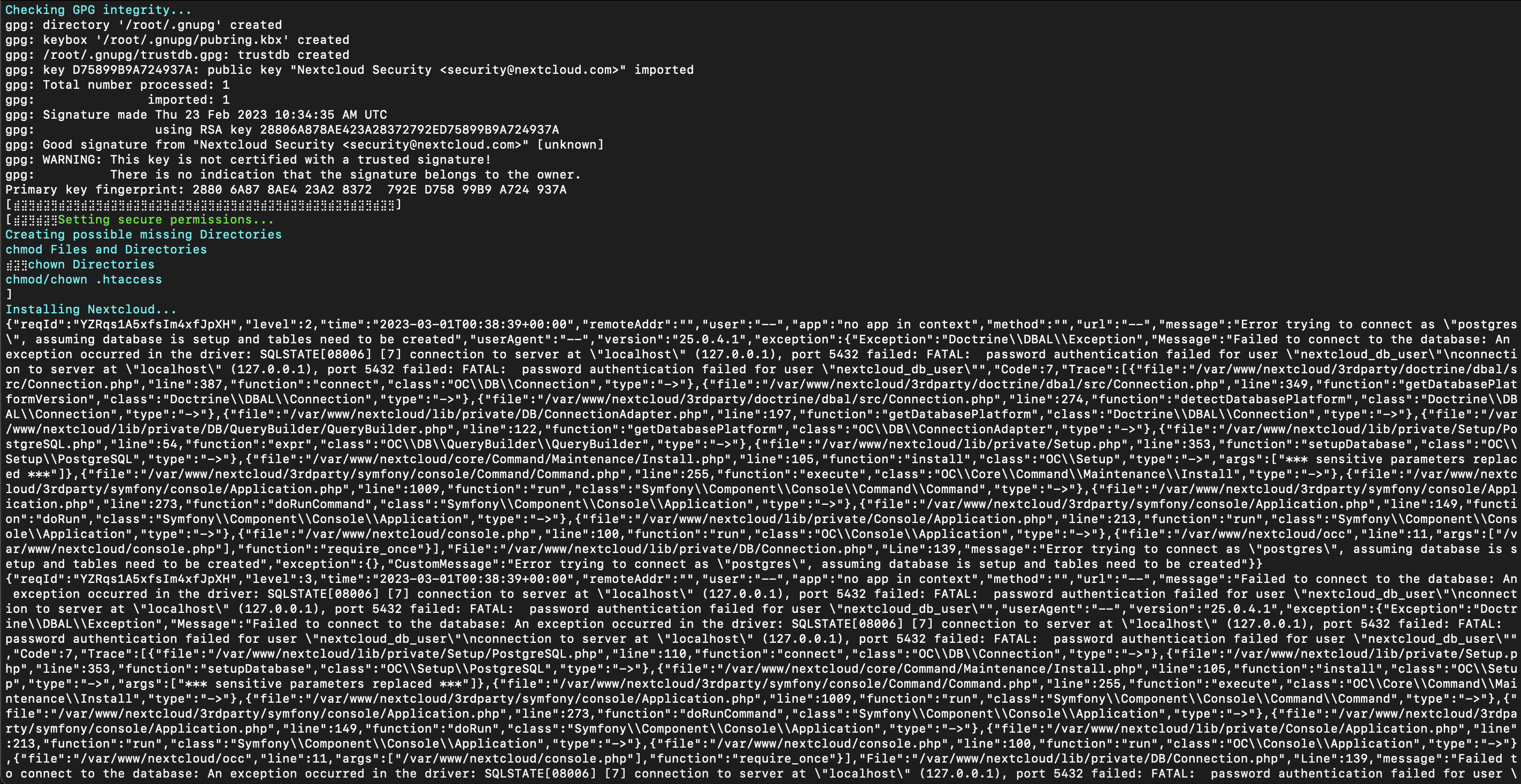
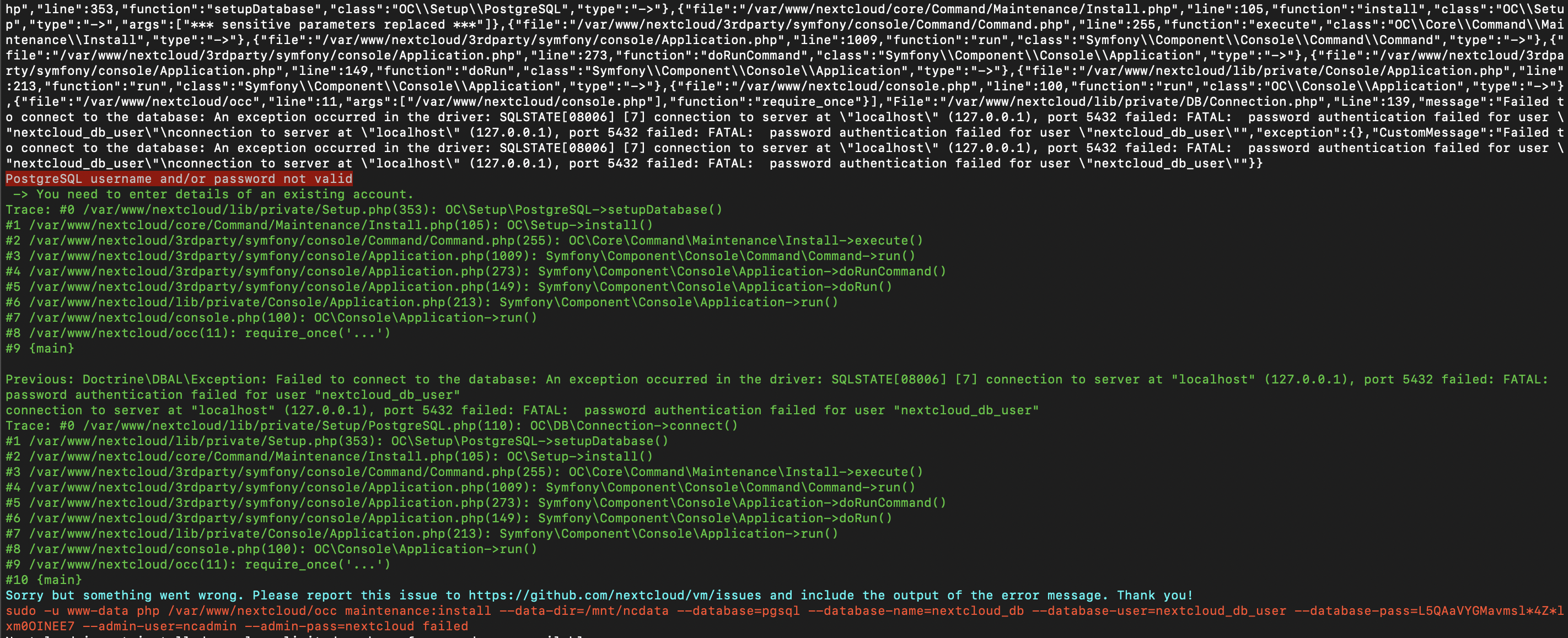
Screenshots, Videos, or Pastebins
Additional Context
No response
Build Version
25.0.4
Environment
By using the scripts
Environment Details
Ubuntu 22.04
4 vCPU
4GB RAM
64GB OS disk, 256GB Data disk