


Cloudflare Worker that assigns a Discord role to GitHub contributors of a specific repository.
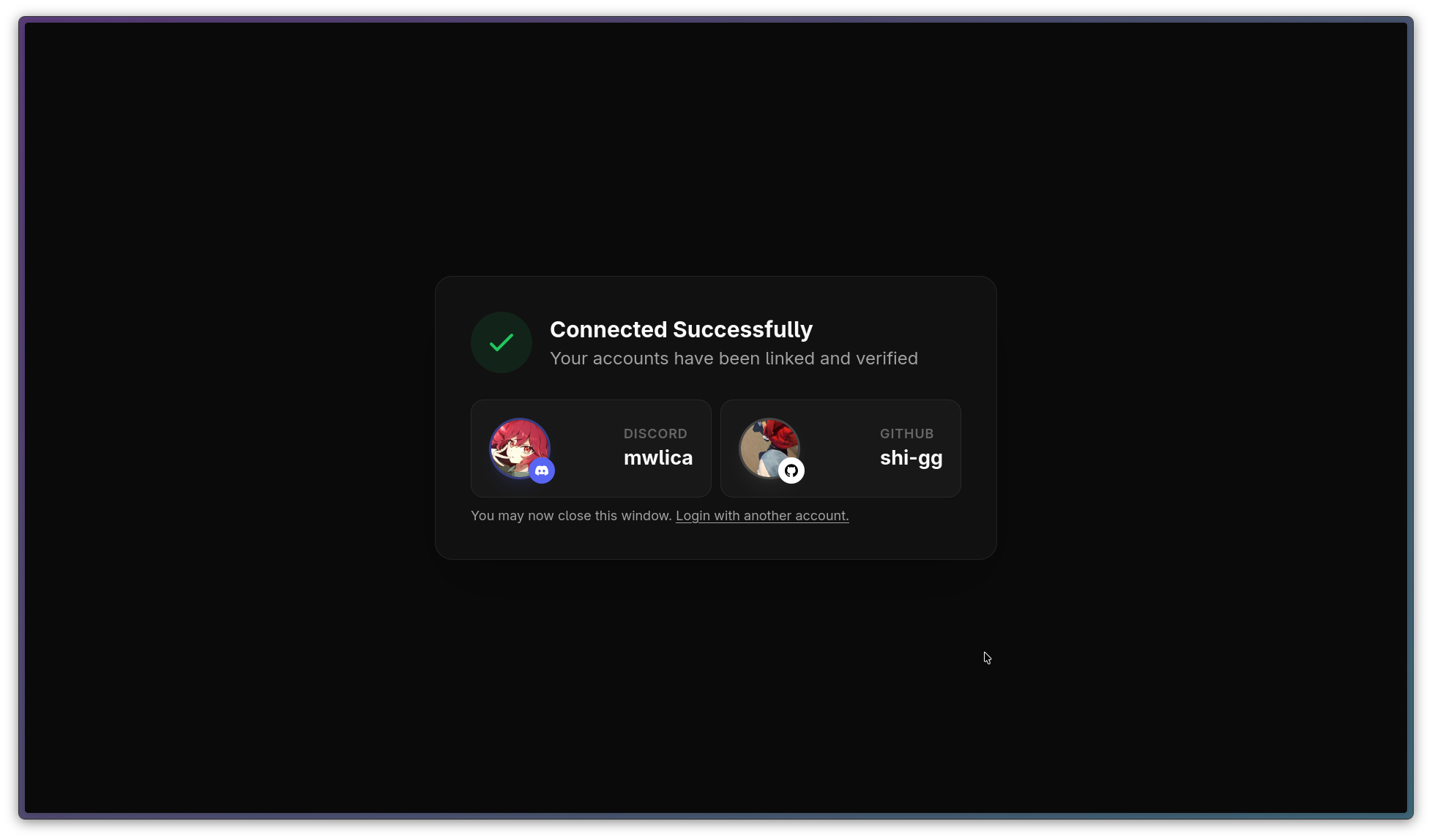
- Discord OAuth2 integration
- GitHub OAuth2 integration
- Automatic role assignment for verified contributors
- SQLite (D1) database for storing connections
Copy the following environment variables to your .env for local development and set them in your Cloudflare dashboard for production.
To create a new Discord Application, visit the Discord Developer Portal, click "New Application" and fill out the form. Under "OAuth2", click "Add Redirect" and add http://localhost:8787/login/discord for local development and https://example.com/login/discord for production. Copy the "Client ID" and "Client Secret" values and copy them into your .env file. You can generate a bot token by clicking "Bot" in the sidebar and clicking "Reset Token". To invite the bot to your server (which you have to!), click "OAuth2" in the sidebar, scroll down to the oauth2 url generator, select the "bot" scope and copy & paste the generated URL into your browser.
To create a new GitHub Application, visit the GitHub Developer Settings, click "New OAuth App" and fill out the form. Under "Authorization callback URL", add http://localhost:8787/login/github for local development and https://example.com/login/github for production. Copy the "Client ID" and "Client Secret" values and copy them into your .env file.
To obtain a GitHub Personal Access Token, visit the GitHub Developer Settings, click "Generate new token" and fill out the form. You do not have to select any scopes.
To get your server and role id, open your discord settings and navigate to the "Advanced" section and enable developer mode. Right click on your server and select "Copy Server ID". Right click on your role and select "Copy Role ID".
SECRET=

DISCORD_BOT_TOKEN=
DISCORD_CLIENT_ID="1030061197778767903"
DISCORD_CLIENT_SECRET=

DISCORD_SERVER_ID="1464542801676206113"
DISCORD_ROLE_ID="1467098672516038749"

GITHUB_CLIENT_ID=Ov23lihEftTkuqkw6Tml
GITHUB_CLIENT_SECRET=
GITHUB_PAT=

GITHUB_OWNER=npmx-dev
GITHUB_REPO=npmx.dev- Bun
- Wrangler (Cloudflare CLI)
- Clone the repository
- Install dependencies:
bun install
- Initialize the D1 database:
bunx wrangler d1 execute prod-d1-npmx --file=schema.sql --local
Run the worker locally:
bun run devDeploy to Cloudflare Workers:
bun run deployThe project uses a simple SQLite schema to track linked accounts to prevent multiple Discord accounts from using the same GitHub account.
CREATE TABLE users (
    discord_id VARCHAR(22) PRIMARY KEY UNIQUE,
    github_id INTEGER64 UNIQUE,
    created_at TIMESTAMP NOT NULL DEFAULT CURRENT_TIMESTAMP
);