Disappear After Updated to Windows 11 22h2 #1501


-
|
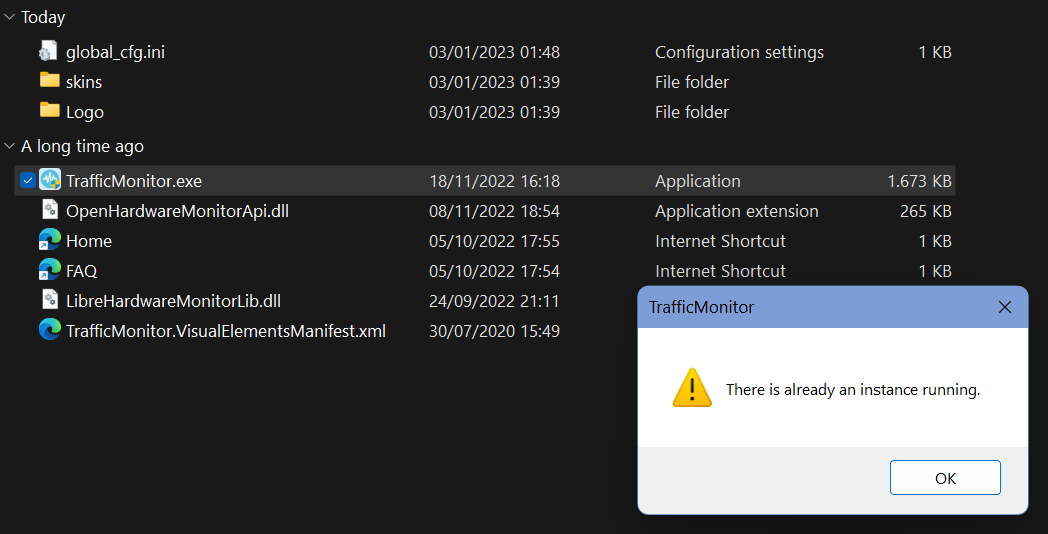
After I complete the update of windows 11 22h2, it disappear from my taskbar and I cant open the app anymore. Everytime I tried to open the software, it says "There is an Already Instance Running." Btw, I really enjoy the app and it fits me best than other similar net monitor app, thank you :)🥇 |
Beta Was this translation helpful? Give feedback.
Replies: 1 comment
-
|
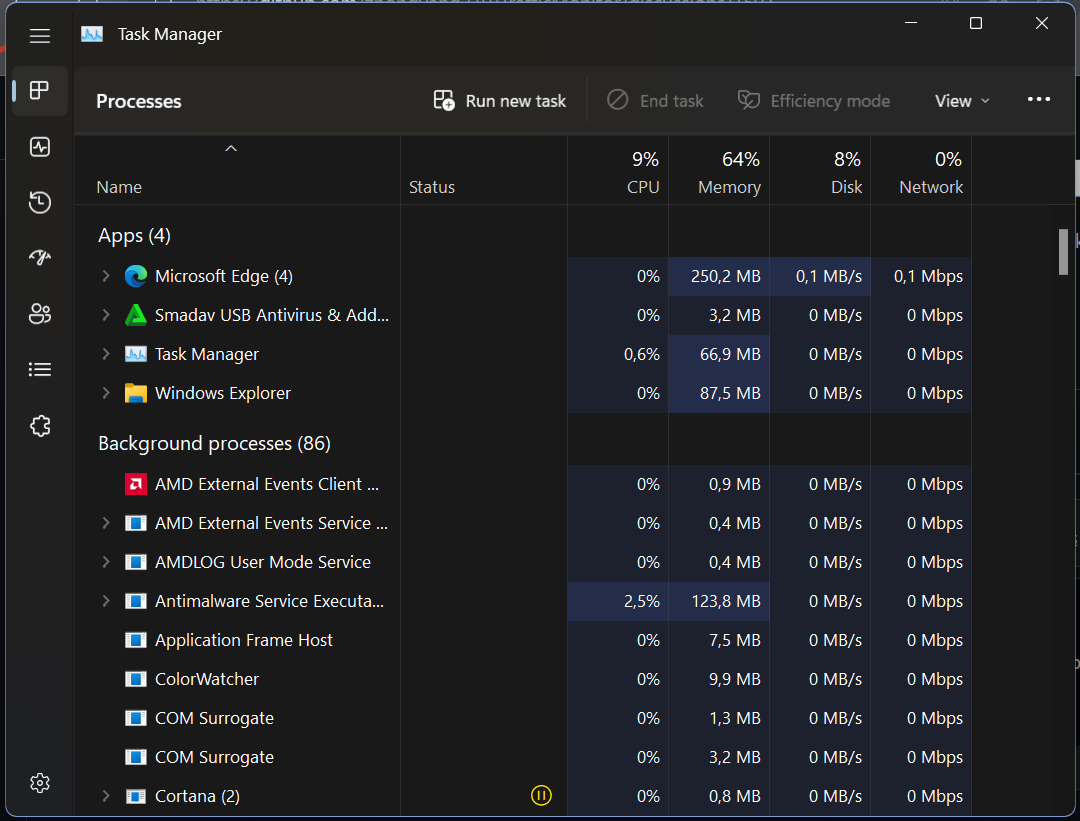
Good news, I solved it! In my case, I cant found it on the "process" section, So I need to open the "details" section After that, you can try to open the software (TrafficMonitor.exe) again. Hope it will help you hehe 😸 |

Beta Was this translation helpful? Give feedback.

Good news, I solved it!
Fyi maybe you guys have the same problem, just open task manager (Ctrl+Shift+Esc) and end the traffic monitor task.
In my case, I cant found it on the "process" section,
So I need to open the "details" section
Then right click on "TrafficMonitor.exe" and end task.
After that, you can try to open the software (TrafficMonitor.exe) again. Hope it will help you hehe 😸